Stories

16 May 2026
I've added a new way to read articles on my personal blog: Stories.
English text
Historically (since 1999), articles published on my blog appear in chronological order, starting with the most recent. This mode has limitations when it comes to linked articles, which should be read from oldest to newest.
To address this limitation, I've developed article containers called Stories. In a story, the order of the articles can be customized, and articles can appear in more than one story. So far, I've created a couple of stories, but the combinations are endless.
I had a lot of fun developing this feature, but I'll talk about it in another article that may eventually end up in another story.
Testo in italiano
Sul mio blog personale ho aggiunto una nuova modalità di lettura degli articoli: le Storie
Storicamente (dal 1999) gli articoli pubblicati sul mio blog appaiono in ordine temporale, partendo dal più recente. Questa modalità ha delle limitazioni quando si hanno degli articoli concatenati, che converrebbe leggere dal più antico al più recente.
Per ovviare a questa limitazione ho sviluppato dei contenitori di articoli, le Storie. Nelle storie la sequenza degli articoli può essere decisa a piacimento, e gli articoli possono comparire in più di una storia. Per ora ho composto un paio di storie, ma le combinazioni sono infinite.
E' stato molto divertente sviluppare questa funzionalità, ma ne parlerò in un altro articolo che eventualmente andrà a finire in un'altra storia.
Details in translation

21 Apr 2026
Using the <details> HTML tag to show long texts in different languages
English text
I've always tried to include bilingual English/Italian text in my articles to broaden my potential audience. The problem arises when an article's text is very long, and the translation ends up at the bottom of the page. You could use links between sections of the page, or more sophisticated methods, such as the one used by django-modeltranslation (the field to be translated is divided into two or more subfields, called depending on the active LANGUAGE).
Lately, I've been using the <details> tag to compact long sections of text (not necessarily in different languages). The mechanism is elegant, native HTML, and facilitates infinite scrolling for those who just want to look at the figures.
Testo in italiano
Ho sempre cercato di avere il testo bilingue inglese / italiano nei miei articoli in modo da ampliare il potenziale pubblico. Il problema si pone quando il testo di un articolo è molto lungo, e la traduzione va a finire in fondo alla pagina. Si potrebbero utilizzare link tra una sezione e l'altra della pagina, oppure metodi più sofisticati, tipo quello che utilizza django-modeltranslation (il campo da tradurre viene suddiviso in due o più sottocampi richiamati a seconda del LANGUAGE attivo).
Ultimamente sto utilizzando il tag <details> per compattare sezioni lunghe di testo (non necessariamente in lingue diverse). Il meccanismo è elegante, nativo HTML, e facilita lo scrolling infinito per chi vuole solo guardare le figure.
Optical skull

08 Apr 2026
Just a sketch...
Link to this articleMore tigers!
15 Mar 2026
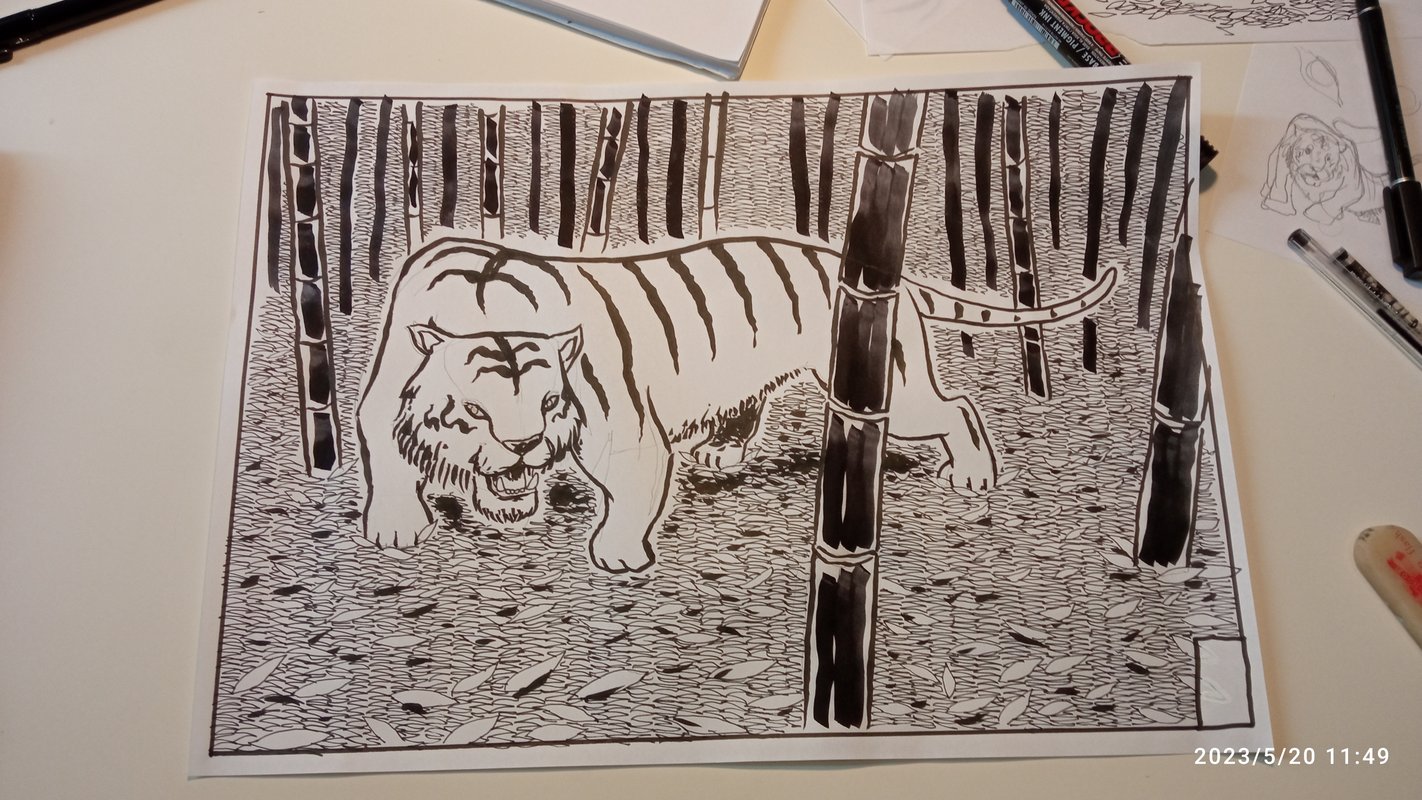
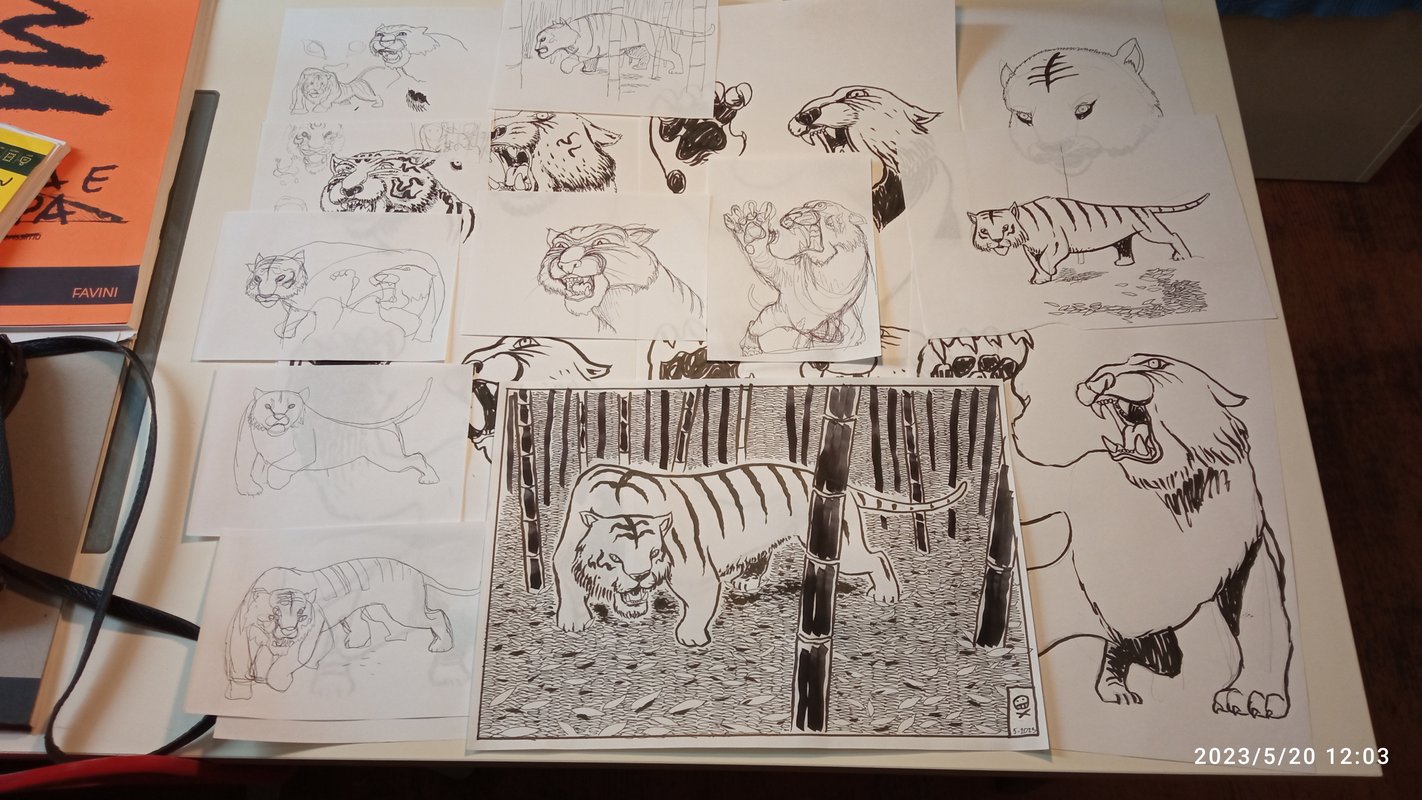
I promised you more tigers, here they are. The drawing was made some years ago for a friend who retired. In her work she was a fighter, hence the nickname "Tiger".
Link to this articleI aM MICH
13 Mar 2026
In this post I will talk about IMMICH, the first service I enabled on my home server. IMMICH is the "Self-hosted photo and video management solution. Easily back up, organize, and manage your photos on your own server. Immich helps you browse, search and organize your photos and videos with ease, without sacrificing your privacy".
It's true, IMMICH is very easy to setup. You will need Docker Engine on your machine (more on that in a future post), then open the terminal and make a directory where you want to set the app:
mkdir ./immich-app
cd ./immich-app
Then run these two commands to download the files you need for setup:
wget -O docker-compose.yml https://github.com/immich-app/immich/releases/latest/download/docker-compose.yml
wget -O .env https://github.com/immich-app/immich/releases/latest/download/example.env
You will have to populate some data in the resulting .env file, but it's ok to keep the default. Once you're done with the changes start Docker:
docker compose up -d
Once the containers are up and running, from another computer (be sure to be connected to your tailnet) navigate to http://<your machine with the immich app installed>:2283
You will access the IMMICH web interface, and will be prompted for an username and a password. As you are the first to access the dashboard, you will be the administrator of the service. In the admin you can do a lot of settings. What I do by default is to activate the Folder view (browse a directory of pictures) and set an External Library, a repository of pictures outside the IMMICH app that will be automatically uploaded. In this library I have copied all digital pictures I keep since 1998.
On my mobile I installed the IMMICH app, activated the tailnet and logged into my account. Then I synchronized the Camera folder of the mobile, so when I shoot a picture it is automatically uploaded to the server... in my living room.
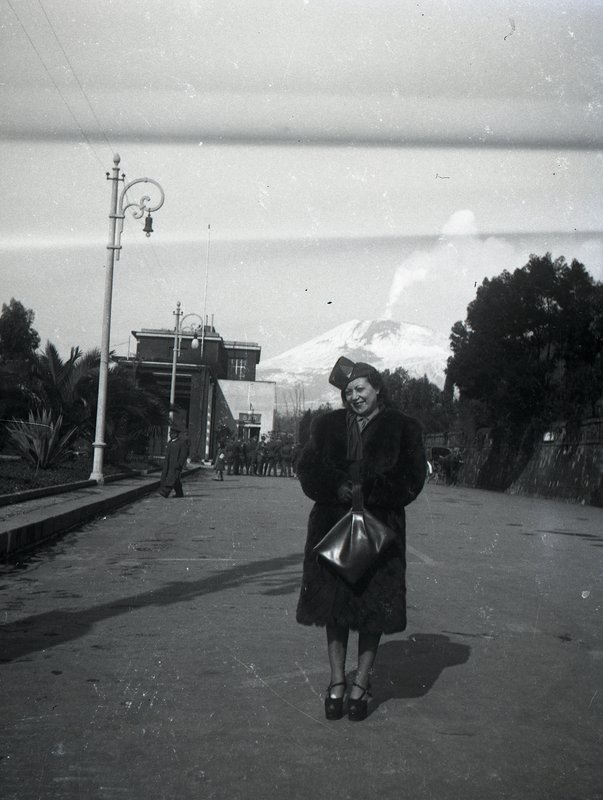
IMMICH is really well done, it extracts metadata from pictures (date, location, EXIF), and has facial recognition. In the search box you can write i.e. "Vesuvius", and all pictures with a cone shaped mountain will pop up. The app will look for duplicate images, and let you choose which one to keep. The ML that drives all these features is inside your machine, so no data will leak out.
Of course not all uploads worked seamlessly, old pictures don't have metadata attached, so you will have to position them in time and space manually (that took several hours of work), but the folder view is very helpful in this task.
We talked about backups in former posts (I'll write in detail about backups in a future one): all pictures and metadata are periodically backed up into the specific device.
Just to refresh my memory, below you have the procedure to upgrade the IMMICH app on your server. In the terminal navigate to the immich-app folder, upgrade the IMMICH_VERSION value in your .env file, then run:
docker compose pull && docker compose up -d
To erase old unused containers run:
docker image prune
Hope you find this post helpful. Store safely your memories, and don't let tech giants harvest them.
#homelab
Link to this articleHere you can find related articles: Homelab
Tiger vs. AI

12 Mar 2026
Made this drawing a couple of years ago for a friend's birthday. More on tigers in future posts. Link to this article